Start with the room
Upload a clear photo to a named property album. Choose Furnish an empty room and select its room type. For an occupied room, use Replace the furniture instead.

VIRTUAL STAGING FOR REAL ESTATE
Show buyers how the space could work with furniture, rugs and decor. Keep the original alongside the finished image so the possibility is clear.
Try it with your photo ↗7 days free, including 10 photo edits. No credit card. No automatic subscription.
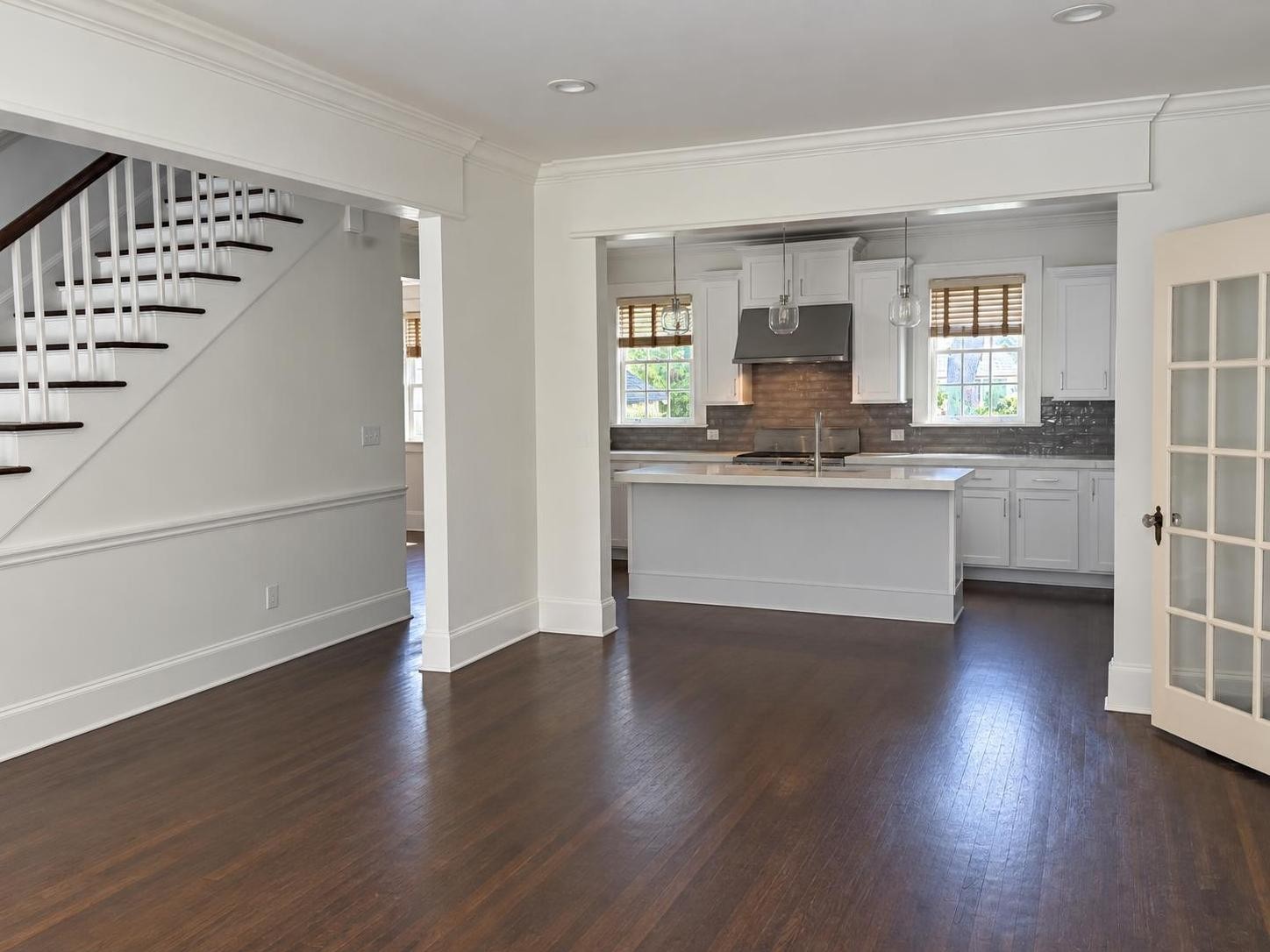
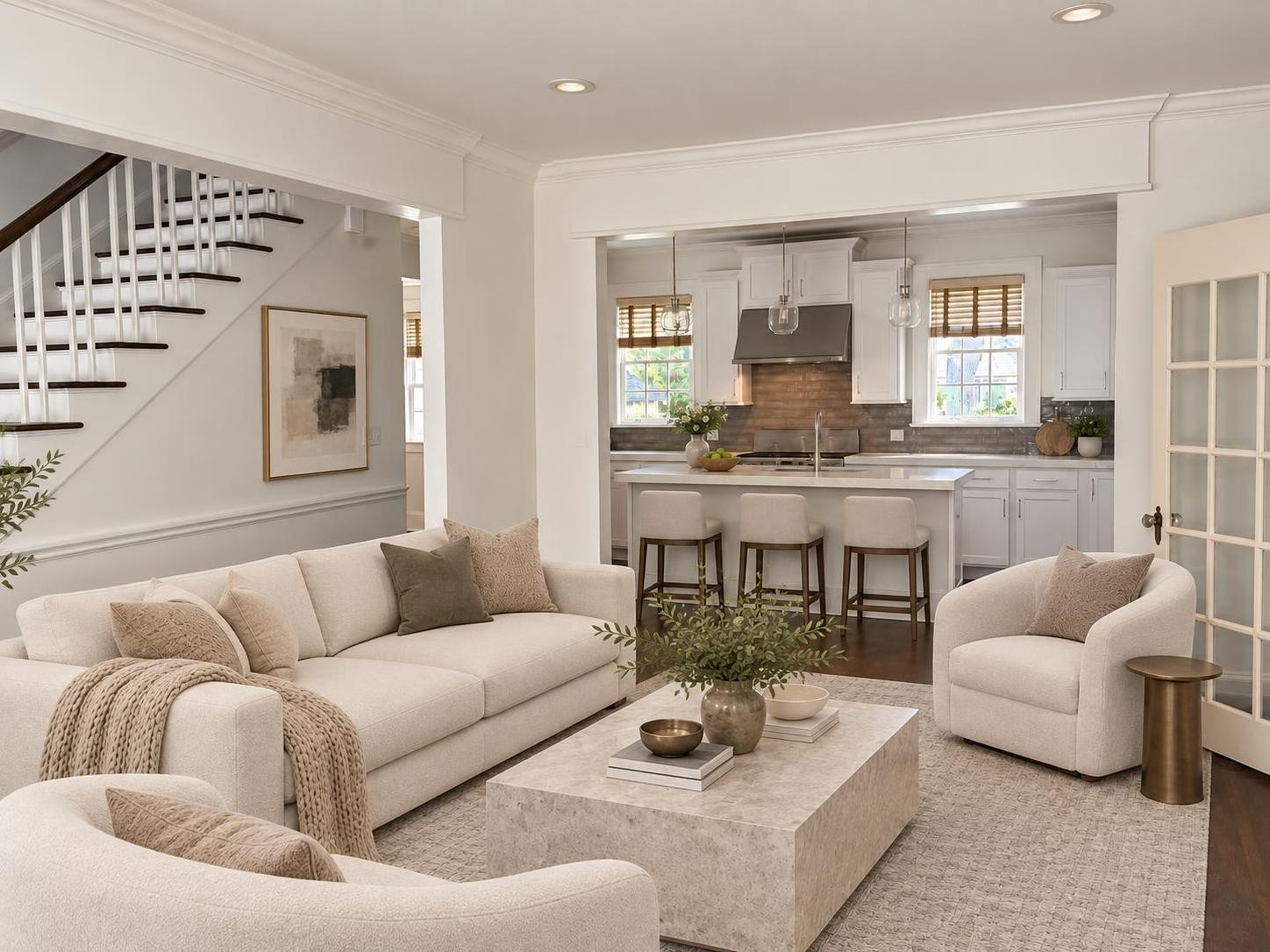
Upload a clear photo to a named property album. Choose Furnish an empty room and select its room type. For an occupied room, use Replace the furniture instead.
Stage your strongest view first. In Edit several photos, choose a finished reference under Match this room for other views of that same room. Review furniture placement across every angle.
Compare the result, adjust a movable item if needed, and save the labeled result. Your original and recent replaced results remain available.
Staging is intended to add movable furniture and decor. Review walls, windows, fixtures, flooring and visible condition against the original. AI can make mistakes; keep appropriate disclosures.
Lite: $9.99/month for 30 edits. Producer: $29.99/month for 120 edits.
Originals and recent versions kept. Photo and storage allowances apply.