Start with a clear phone photo.
Clean the lens, hold your phone level and capture the room in good light. Upload your JPG, PNG, WebP or supported iPhone HEIC photos into a property folder.

Take the property photos with your iPhone or Android. Let Broker Studio refine the lighting, color and clarity, then review and download polished images for property marketing and client presentations. You can also upload your photographer’s collection with permission to edit.
Create your photo studio account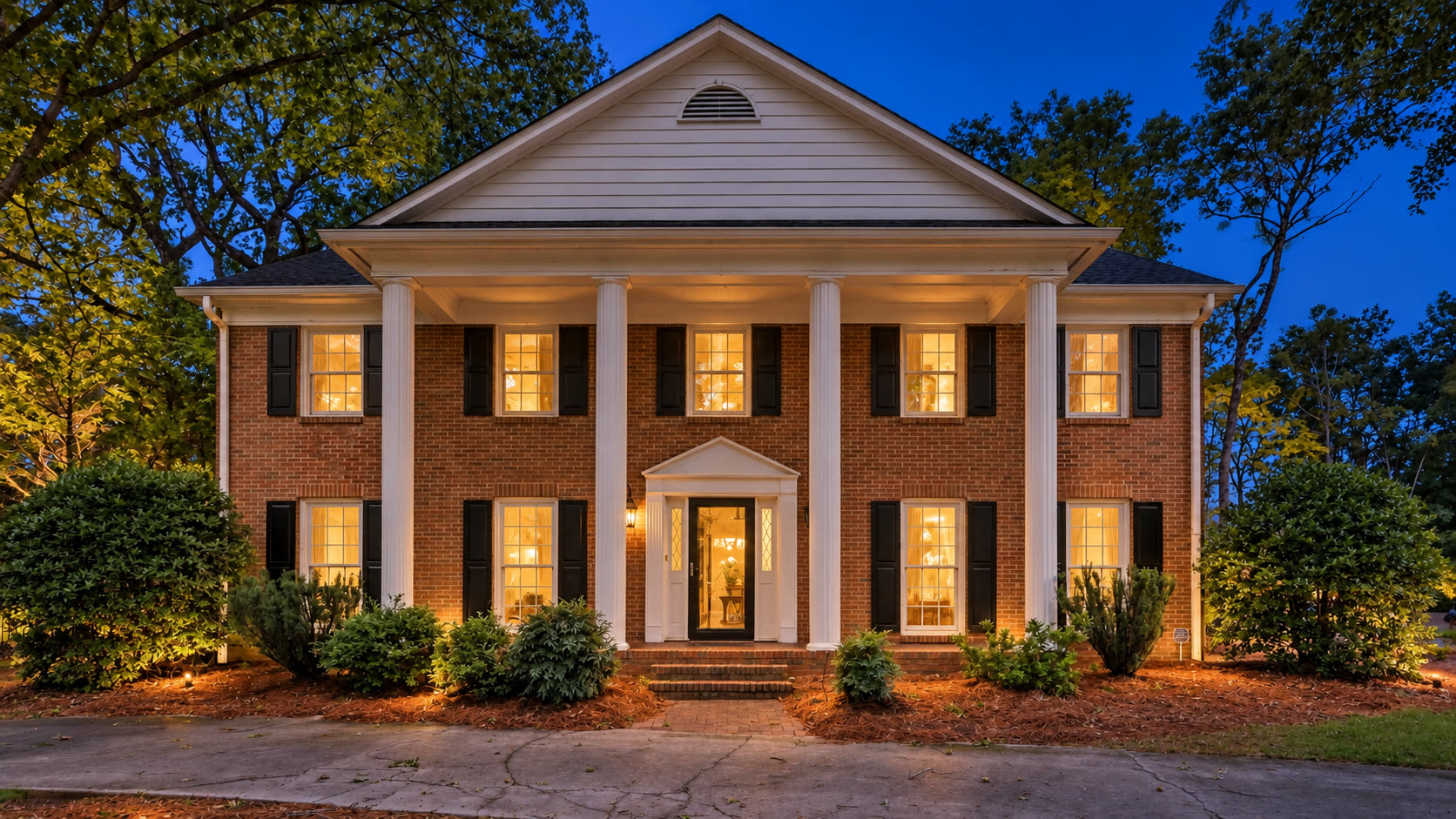
Our AI photo editing tools give residential real estate experts one workspace for property and project images. Natural Enhancement / Tidy Room improves exposure, white balance and clarity while aiming to retain the home’s character and condition. Apply it to one photo or a selection, compare each result with its original, and download the images you want to use. Twilight Exterior is also available for an illustrative evening look.
These tools help real estate pros, interior designers, builders and general contractors work with their own photographs; image quality still depends on the original capture, and each edit needs review before publication.
Clean the lens, hold your phone level and capture the room in good light. Upload your JPG, PNG, WebP or supported iPhone HEIC photos into a property folder.
Choose Natural Enhancement / Tidy Room to refine light, color and clarity. Apply the same treatment to multiple selected photos in one batch.
Compare each result with its original. Confirm that windows, materials, visible condition and other property details remain accurate.
Use virtual staging as a visual tool in your next client conversation. Compare the actual room with an illustrative furnished version to discuss its potential. For a furnished room, Empty + Virtual Staging replaces movable furniture in one edit.